
Installation
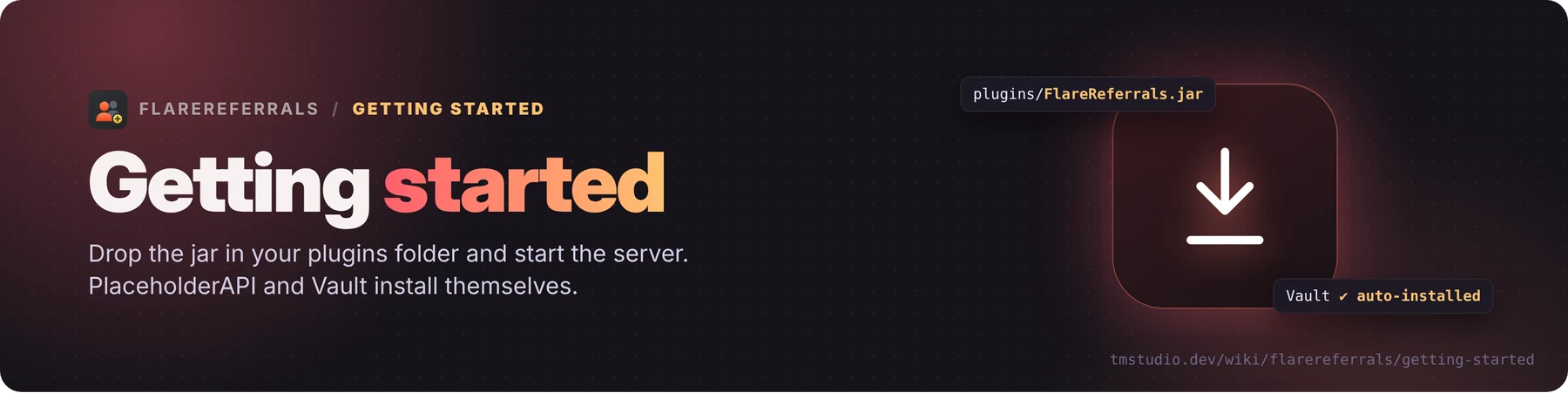
- Download
FlareReferrals-<version>.jarand put it inplugins/. - Start the server. All files are created by themselves:
| File | What it holds |
|---|---|
config.yml | settings, anti-abuse, player access, currencies, storage, network |
rewards.yml | inviter reward, welcome reward, milestones |
lang/en.yml | chat messages |
menus/*.yml | layout and texts of every menu (admin.yml = texts of the admin menus) |
data.yml | player data (with storage.type: yaml, the default) |
backups/ | copies made before the plugin changes your data |
- Join and type
/referrals settingsto set the rewards.
PlaceholderAPI and Vault are downloaded and started automatically if missing (auto-install in config.yml). Vault alone doesn't give money: you also need an economy plugin (EssentialsX, CMI...).
Tip: keep only one FlareReferrals jar in plugins/, and remove the old FlaresRewards jar if you had it.
Updating
Replace the jar and restart.
- New options and messages are added to your files by themselves; texts you edited stay as you wrote them. Texts you never changed get the new look of the new version (colors, layout).
- (1.0.21+)
data.ymlis converted to the new format by itself; a copy of the old file goes inbackups/first. - A broken
data.ymlstops the plugin instead of being replaced by an empty one.
Updating from FlaresRewards
FlareReferrals is the new name of FlaresRewards. On the first start your settings and data are copied from plugins/FlaresRewards to plugins/FlareReferrals; then you can delete the old folder and the old jar. The old flaresrewards.* permissions and %flaresrewards_...% placeholders still work.
Actualizat ultima data pe 25 octombrie 2026